MEPCO Bill Online – Check, Download & Print Duplicate Bill
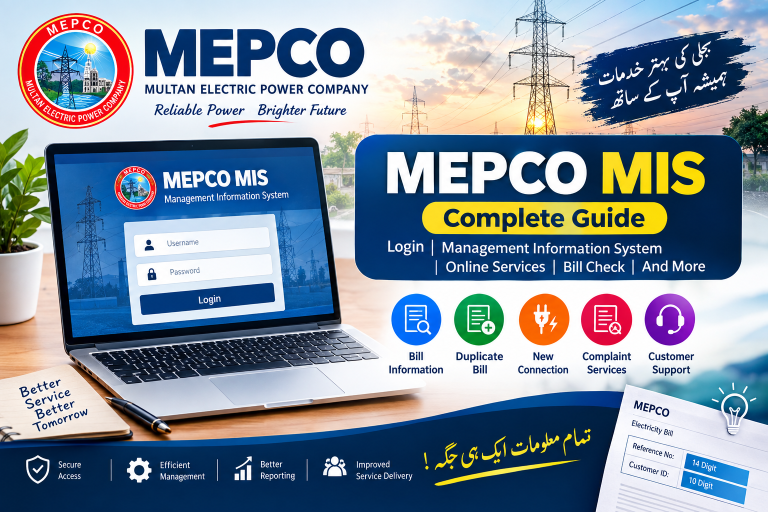
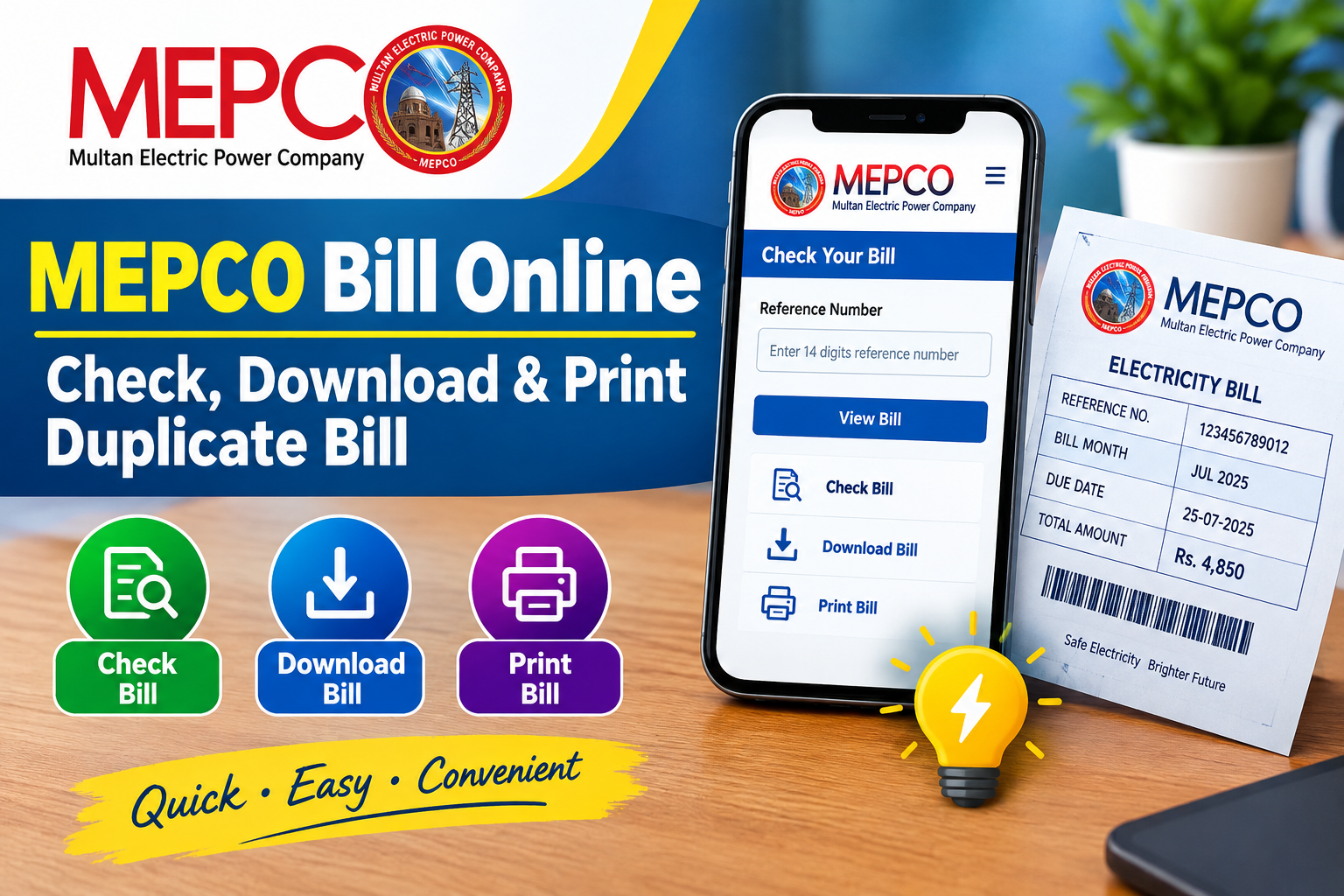
Checking your MEPCO bill online is a convenient way to view your latest electricity bill without waiting for the paper copy. MEPCO consumers can use their 14-digit reference number or 10-digit customer ID to access important billing details such as the payable amount, due date, billing month, and electricity units consumed.
This guide explains how to check MEPCO bill online, view a duplicate bill, download it, and print a copy for your records.
What Is a MEPCO Bill?
MEPCO stands for Multan Electric Power Company, which supplies electricity to several districts in southern Punjab. Consumers receive a monthly electricity bill containing details about electricity usage, charges, taxes, due date, and the total amount payable.
If your printed bill has not arrived or you have misplaced it, an online duplicate bill can be useful for checking the amount and making a payment before the due date.
How to Check MEPCO Bill Online
You can check your electricity bill online by following these simple steps:
- Open the MEPCO bill checking page.
- Enter your 14-digit reference number or 10-digit customer ID.
- Check the information you entered carefully.
- Submit the details to retrieve your latest bill.
- Review the displayed billing information.
- Download or print the duplicate bill if required.
No complicated registration is generally needed just to retrieve your bill information.
What Information Can You See on a MEPCO Bill?
After checking your bill, you may find several important details, including:
- Consumer name
- Reference number
- Customer ID
- Billing month
- Meter reading
- Units consumed
- Previous and current readings
- Due date
- Bill amount
- Taxes and other charges
- Payable amount
Reviewing these details can help you understand your monthly electricity usage and confirm the amount due.
MEPCO Reference Number
The MEPCO reference number is a key identification number associated with your electricity connection. It is commonly printed on your previous electricity bill.
When using an online bill checker, enter the complete reference number carefully. A missing or incorrect digit may prevent the system from finding the correct billing record.
MEPCO Customer ID
Some bill-checking services also allow consumers to search using their customer ID. Your customer ID can be found on your electricity bill.
If you already have an old MEPCO bill, keep it nearby when checking your latest bill online so you can enter the required information accurately.
How to Download a Duplicate MEPCO Bill
If you need a copy of your electricity bill, the online bill can usually be saved or downloaded after the billing information is displayed.
A digital copy can be useful when:
- Your paper bill is lost.
- You have not received the latest bill.
- You need a copy for your records.
- You want to check the due date.
- You need billing information before making a payment.
You can save the bill on your phone or computer and print it whenever required.
How to Print MEPCO Bill Online
Printing a duplicate bill is simple. Once the bill is displayed, use the available Print option or your browser’s print function.
Before printing, check that the consumer information, billing month, due date, and payable amount are correct.
You can also save the page as a PDF if you do not need a physical copy immediately.
MEPCO Bill Payment
After checking the bill, consumers can use available banking and payment channels to pay the amount before the due date. Payment options may include banks, ATMs, mobile banking, digital payment services, and other authorized channels.
Always verify the payment details before completing a transaction and keep your payment receipt or confirmation.
Why Check Your MEPCO Bill Online?
Online bill checking offers several practical benefits:
Quick Access
You can check billing information without waiting for a physical bill.
Easy Bill Verification
You can review your current charges, units, and due date before making a payment.
Duplicate Copy
A digital bill can serve as a convenient replacement when the original paper bill is unavailable.
Mobile Friendly
You can check your bill using a smartphone, tablet, or computer with an internet connection.
Better Record Keeping
Saving monthly bills can help you compare electricity usage and keep track of previous payments.
MEPCO Bill and Electricity Units
Your bill is affected by the amount of electricity consumed during the billing period. The number of units used is calculated from your meter readings.
For example, if your current meter reading is higher than the previous reading, the difference represents the electricity units consumed during that billing cycle.
Other components can also affect the final payable amount, including applicable taxes, fixed charges, adjustments, and other government-approved charges.
What If My MEPCO Bill Is Not Showing?
If your latest bill does not appear online, check the following:
- Confirm that your reference number is correct.
- Try entering the customer ID if supported.
- Check again after some time if the new billing record has not yet been uploaded.
- Make sure you are using a reliable and official or trusted bill-checking source.
- Compare the information with an older bill to avoid entering the wrong connection details.
If the problem continues, contact MEPCO through its official customer support channels.
MEPCO Bill SMS Service
Consumers may also use available SMS-based services where supported. For the MEPCO bill inquiry format commonly used through PITC, consumers can send:
pitc [space] 14-digit reference number
to 8334.
Availability and service details can change, so verify the current instructions through the relevant official service before relying on SMS information.
Frequently Asked Questions
How can I check my MEPCO bill online?
You can check your MEPCO bill by entering your 14-digit reference number or, where supported, your 10-digit customer ID into a bill-checking service.
Can I download a duplicate MEPCO bill?
Yes. Once your bill is displayed, you can generally save or download a digital copy and print it when needed.
Where can I find my MEPCO reference number?
Your reference number is printed on your previous MEPCO electricity bill. It is used to identify your electricity connection when checking billing information online.
Can I check my MEPCO bill without a reference number?
If the service supports it, you may be able to use your customer ID instead. Otherwise, you will need the information shown on your previous bill to retrieve the correct record.
Can I print my MEPCO bill online?
Yes. After opening the bill, you can use the print option available on the page or your browser to print a physical copy.
What should I do if my bill shows the wrong information?
First, verify that you entered the correct reference number or customer ID. If the displayed consumer or billing information still appears incorrect, contact MEPCO through its official support channels.
Final Words
The MEPCO Bill Online service makes it easier for electricity consumers to access their billing information whenever they need it. With your reference number or customer ID, you can check the latest bill, review units and charges, confirm the due date, and keep a duplicate copy for your records.
For a smooth experience, always enter your billing details carefully and use reliable sources when checking or paying your electricity bill.